Lyric video maker
Make a lyric video in your browser
Visulaserz puts the words on screen as they are sung, animated over a scene that moves with the music. Find the timed lyrics, or tap them in yourself once, then record the video.
Make a lyric videoFree · nothing to install
Get the timing
- Search: type “artist - song” and Visulaserz looks it up in LRCLIB, an open library of timed lyrics.
- Drop or paste: an .lrc file, or LRC text from anywhere.
- Tap sync: paste the plain words, play the song and press Space as each line begins. The timing is kept for that song, and you can download it as an .lrc.
Make the words move
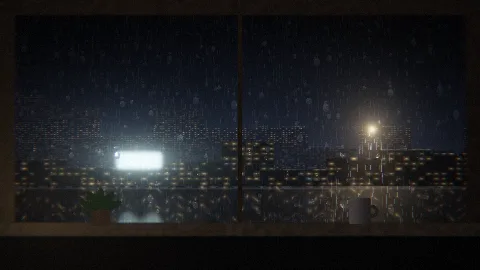
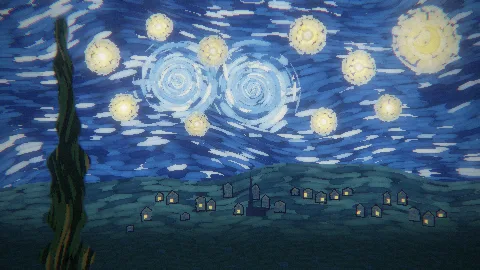
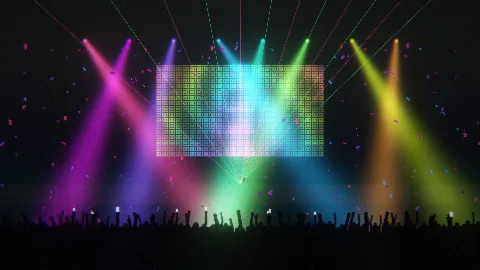
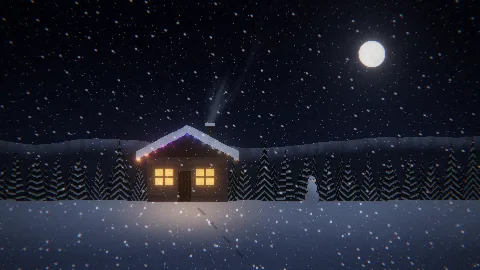
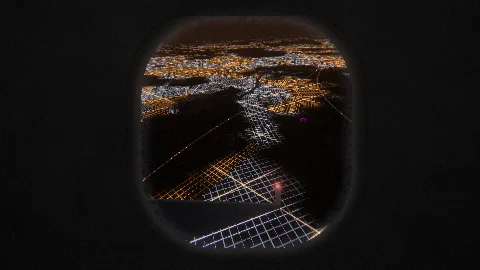
Fifteen lyric styles, from a soft rise and a karaoke fill to typewriter, glitch, neon, slam and a tower of words. Each one keeps time with the beat. Under the words goes any of the 102 scenes: Rain for a slow song, Neon for a sign on a wet street, Festival for a big chorus.
Record it
- STEP 1/3Choose the shape
9:16 for TikTok, Reels and Shorts, 16:9 for YouTube, 1:1 for a post.
- STEP 2/3Open with a title card
The cover, the song title and the artist, for the first few seconds.
- STEP 3/3Record
REC records as it plays. A Take renders an MP4 at up to 1440p, frame by frame, so nothing stutters even on a slow laptop.
Good to know
- No account needed. A free account opens every scene and takes the small “made with visulaserz.com” off your videos.
- Use songs you may share: your own music, or tracks whose licence allows it.
- For TikTok and Reels, see vertical videos.