Music visualizer · in your browser
A music visualizer you can play
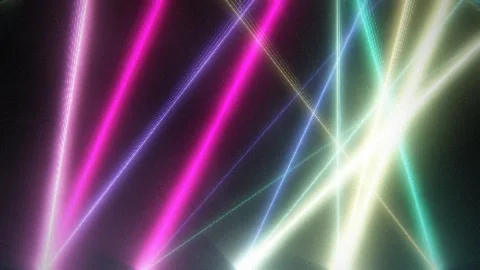
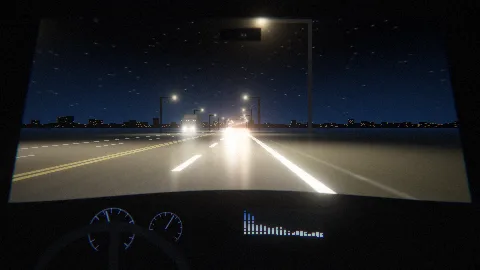
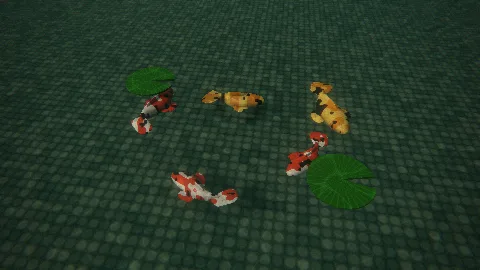
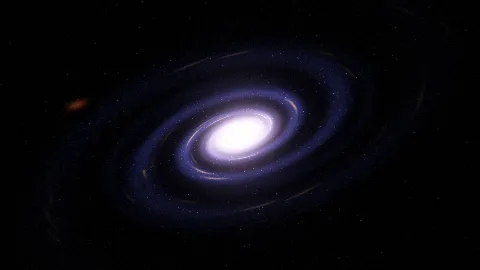
Drop in a track and Visulaserz turns it into a laser show, a night drive, a galaxy or a koi pond that moves with the music. It runs in your browser, so there is nothing to install, and the files you drop stay on your computer.
How it listens
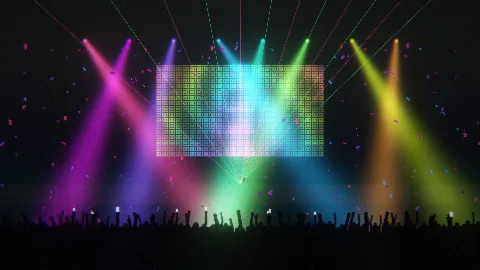
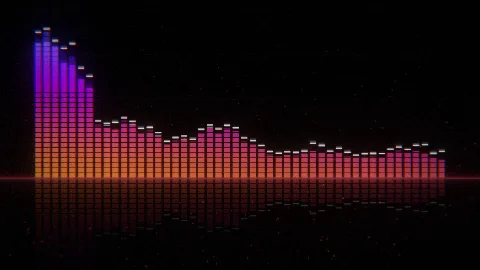
Visulaserz finds the beat and the tempo, and splits the sound into bass, mids and highs as it plays. Every scene ties its parts to different bands: in Pamukkale each pool rides its own band and a beat sends a spill down the terraces; in Lasers the beam pattern switches every eight beats; Bars is the classic LED ladder with falling peaks.
Turn React and Motion to taste, change the palette, add trails, or hold a pad for a strobe, a freeze or a blackout of your own.
102 scenes in five rooms
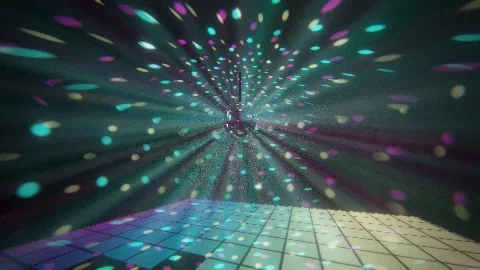
- Show: analysers, lasers, a mirror ball and the Winamp classics, for loud music.
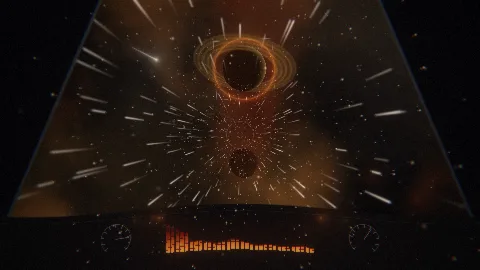
- Journey: deep space, night motorways, a night train and a flight over the clouds.
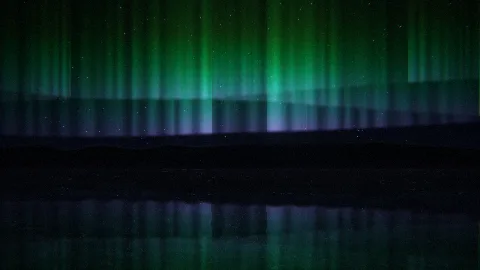
- Vibe: rain on a window, northern lights, a koi pond, a snowed-in cabin.
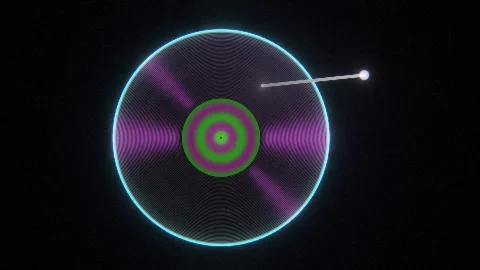
- Things: a record, a cassette, lava lamps, a snow globe, a music box.
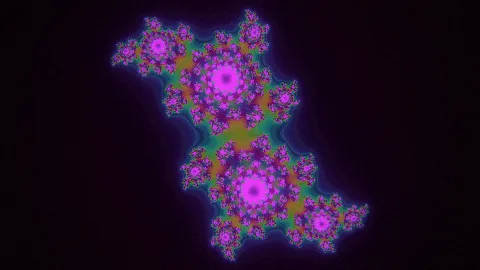
- Lab: fractals, Chladni figures, fluid ink and other physics.
Make the video
- STEP 1/3Drop a track
MP3, WAV, FLAC, M4A, OGG or Opus. Or play live: Visulaserz can listen to the microphone, or to whatever this computer is playing.
- STEP 2/3Frame it
In the Clip unit choose 9:16 for TikTok, Reels and Shorts, 16:9 for YouTube or 1:1 for a post. The stage takes that shape, so what you see is what you get.
- STEP 3/3Record
Press REC to record as it plays, or record a Take and render it as an MP4 at 720p, 1080p or 1440p, frame by frame.
Put your name and logo in a corner, open with a title card (the cover, the title, the artist), and show the lyrics in time with the song.
On a big screen
Go full screen and switch on Auto: the show changes scenes by itself. Two decks with tempo sync are there for a DJ set, and the strobe, freeze, blackout and drop pads are on the keyboard. For the sound itself there is a slowed + reverb rack and a studio.
Free
10 scenes work without an account. A free account (an email and a password, nothing to pay) opens all 102, keeps your track list and takes the small credit off your videos.