Vertical video · 9:16
Vertical music videos for TikTok, Reels and Shorts
Set Visulaserz to 9:16 and the stage becomes a phone screen: what you see is the video you get, at 1080×1920 or sharper. Pick a scene, put the lyrics on, record.
Make a vertical videoFree · nothing to install


Sizes
- 9:16: 720×1280, 1080×1920 or 1440×2560, for TikTok, Reels and Shorts.
- 1:1: square posts.
- 16:9: YouTube and landscape screens.
Made for the feed
- The first second counts: start recording on the drop, or open with a short title card (the cover, the title, the artist).
- Words keep people watching: put the timed lyrics on screen.
- Leave room for the app: captions and buttons cover the bottom and the right of a vertical video, so keep your name in a top corner.
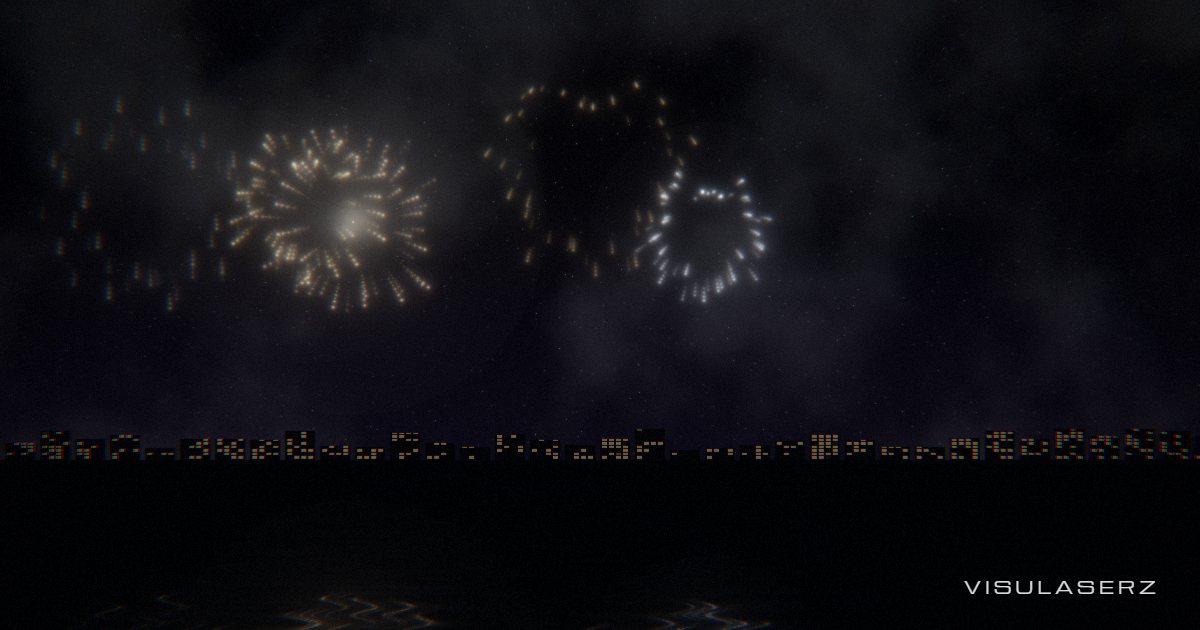
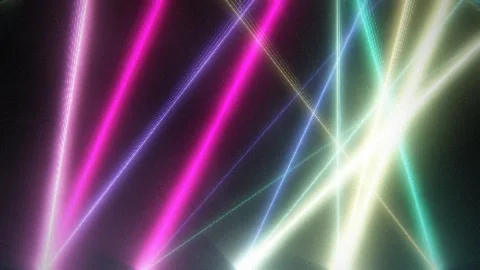
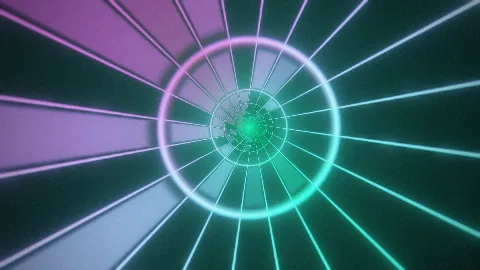
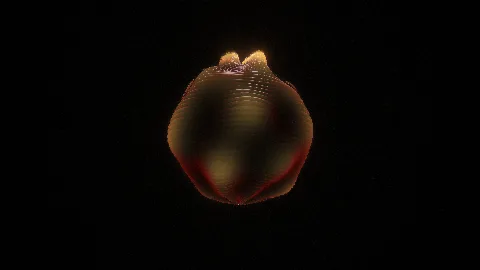
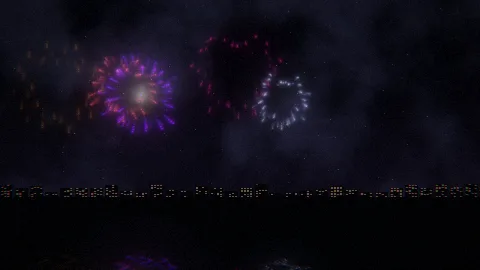
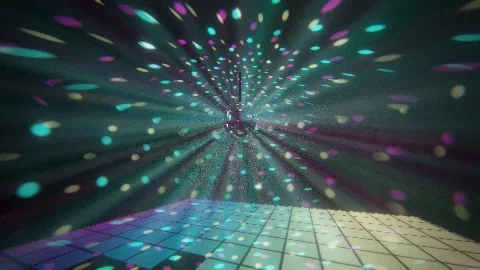
- Big shapes read on a small screen: Lasers, Tunnel, Orb and Fireworks work well.
Record
- STEP 1/3Drop a track
MP3, WAV, FLAC, M4A, OGG or Opus, or start the demo.
- STEP 2/3Pick 9:16
In the Clip unit. Choose 1080 or 1440 for the size.
- STEP 3/3Record
REC records as it plays; a Take renders the MP4 frame by frame, smooth even on a slow laptop.
Free, in your browser. A guest’s videos carry a small “made with visulaserz.com”; a free account takes it off.